

Hospitality intelligence
Know the night before the doors open.
VenueIndex turns a venue's own history into attendance, staffing and revenue forecasts for nightclubs, pubs, bars and hospitality groups.
Tonight
Expected attendance
1,240
Walk-ins
180
Door revenue
$38,400
Floor staff
22
Illustrative snapshot. Live forecasts appear after you connect a venue and import history.
Illustrative dashboard preview
See the night before it happens
VenueIndex brings forecasts, operational recommendations and decision insights into one clear view.
Example venue
Saturday night
Example data only
- Expected attendance
- 820
- Forecast range
- 780–870
- Forecast revenue
- $38,400
- Weather
- 18°C · 35% rain
Staffing
12 configured staff
Security
5 configured security
Capacity pressure
Steady
Inside the example capacity
Decision insights
- Saturday attendance has historically recorded above comparable nights.
- Staffing and security follow the example configuration for this night.
Example figures only. They do not come from a real venue, and they are not a live forecast or a guarantee.
Historical nights, not anecdotes
Import attendance, ticket, walk-in, revenue and staffing records so forecasts are grounded in what actually happened at your venue.
Week-ahead operational forecasts
See expected attendance, revenue, forecast ranges and configured staffing or security recommendations before the night begins.
Weather in the model
Local conditions can inform the forecast using temperature, rain probability, rainfall and venue history when sufficient data is available.
Understand the forecast
Ask VenueIndex to explain the forecast, contributing factors and operational context without replacing the underlying calculations.
Built for Australian hospitality
Sydney, Melbourne and the Gold Coast are examples of the nights operators plan. They are not a limit on where a venue can run. Forecasts still come from each venue's own history.
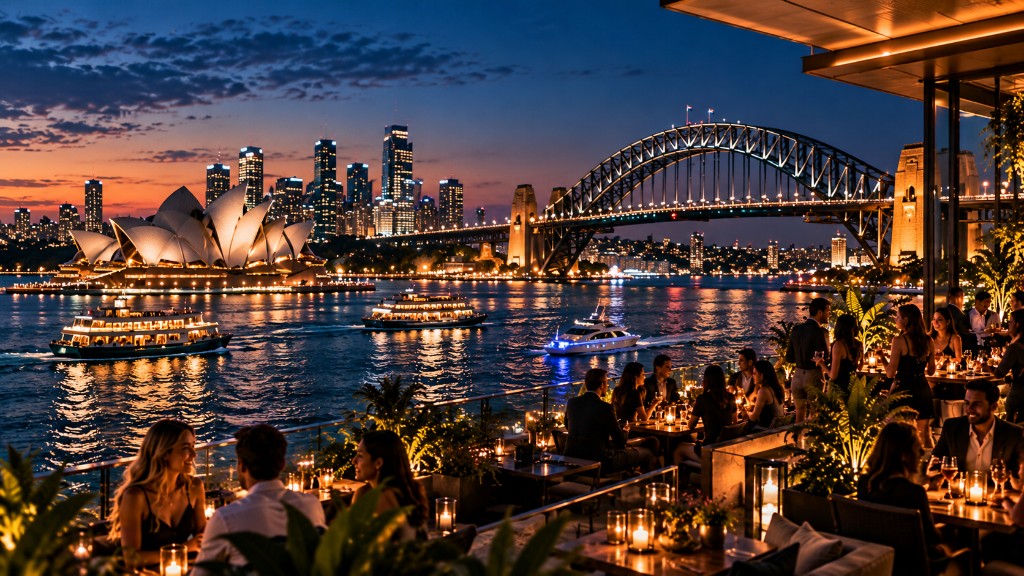
Sydney
Harbour skyline and nightlife
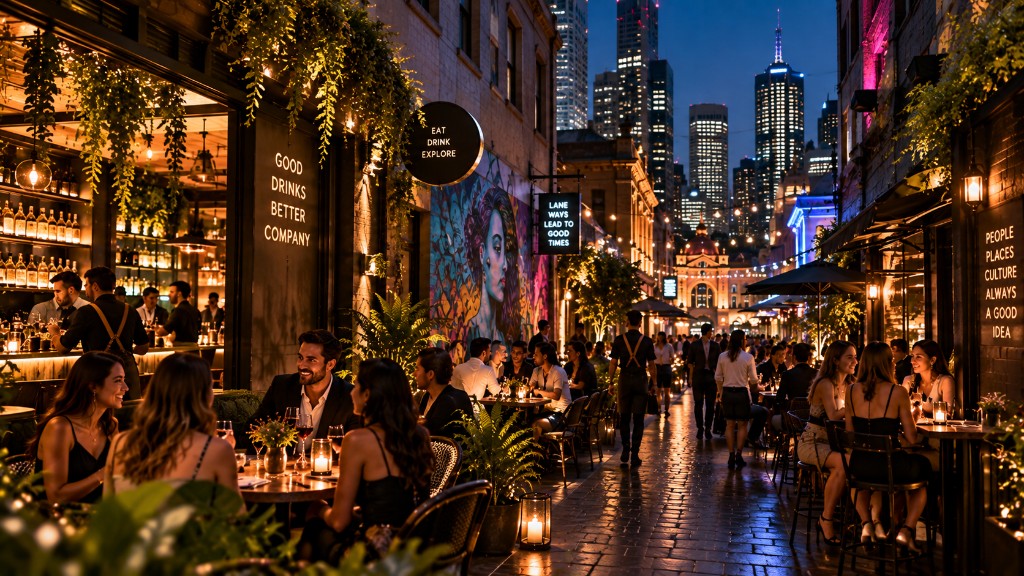
Melbourne
Laneway bars and evening dining
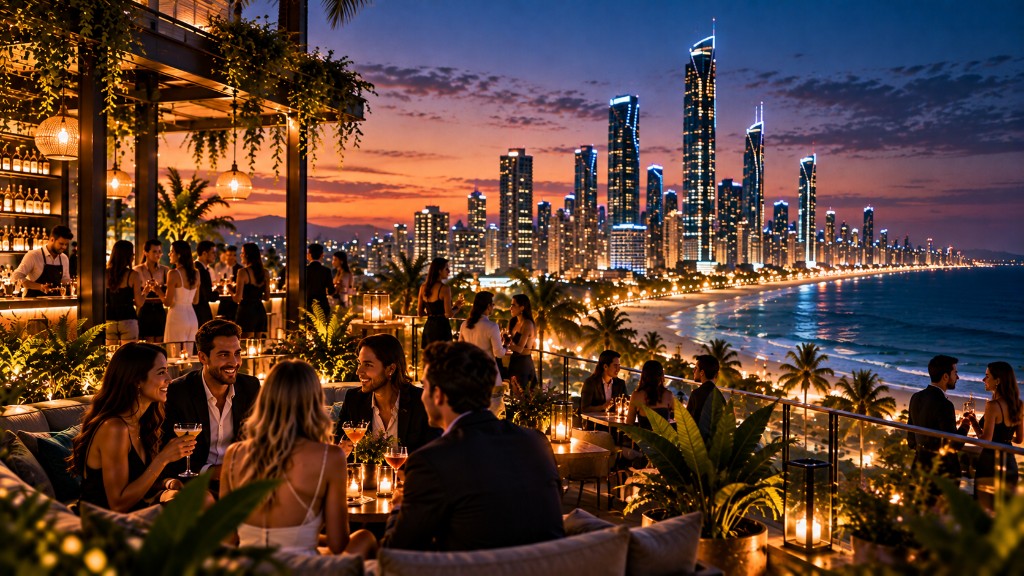
Gold Coast
Beachfront skyline at sunset
How operators use it
1
Create an account
Sign up, then open the protected dashboard.
2
Import the venue's nights
Upload history, then review forecasts, weather and venue rules.
3
Plan the week
Forecasts and clear operational explanations come together in one place.
Your venue data stays private
Venue information is never exposed on the public site. Secure account access and venue-level permissions keep operational data available only to authorised users.